Lorem ipsum dolor sit amet, consetetur sadipscing elitr, sed diam nonumy eirmod.
Lorem ipsum dolor sit amet, consetetur sadipscing elitr, sed diam nonumy eirmod.
Creating a New Event
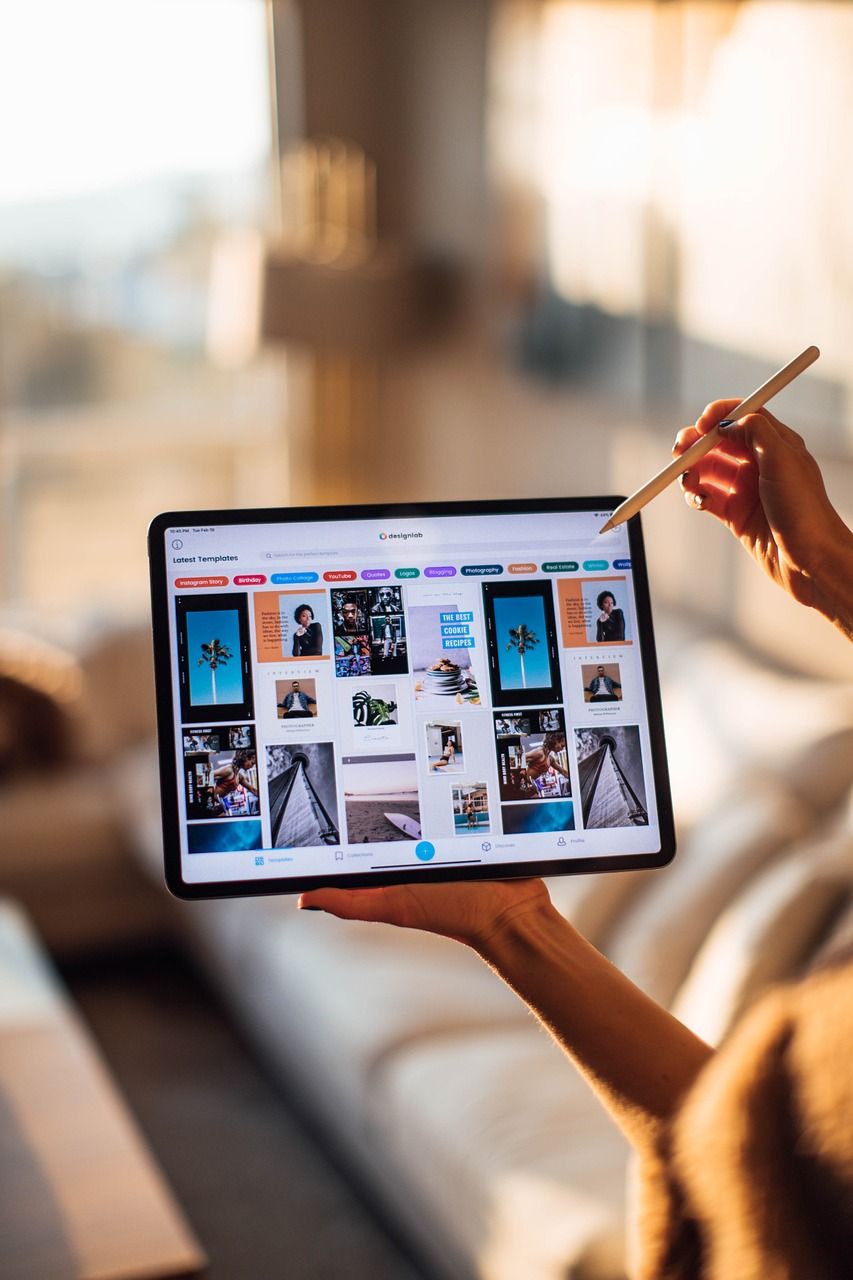
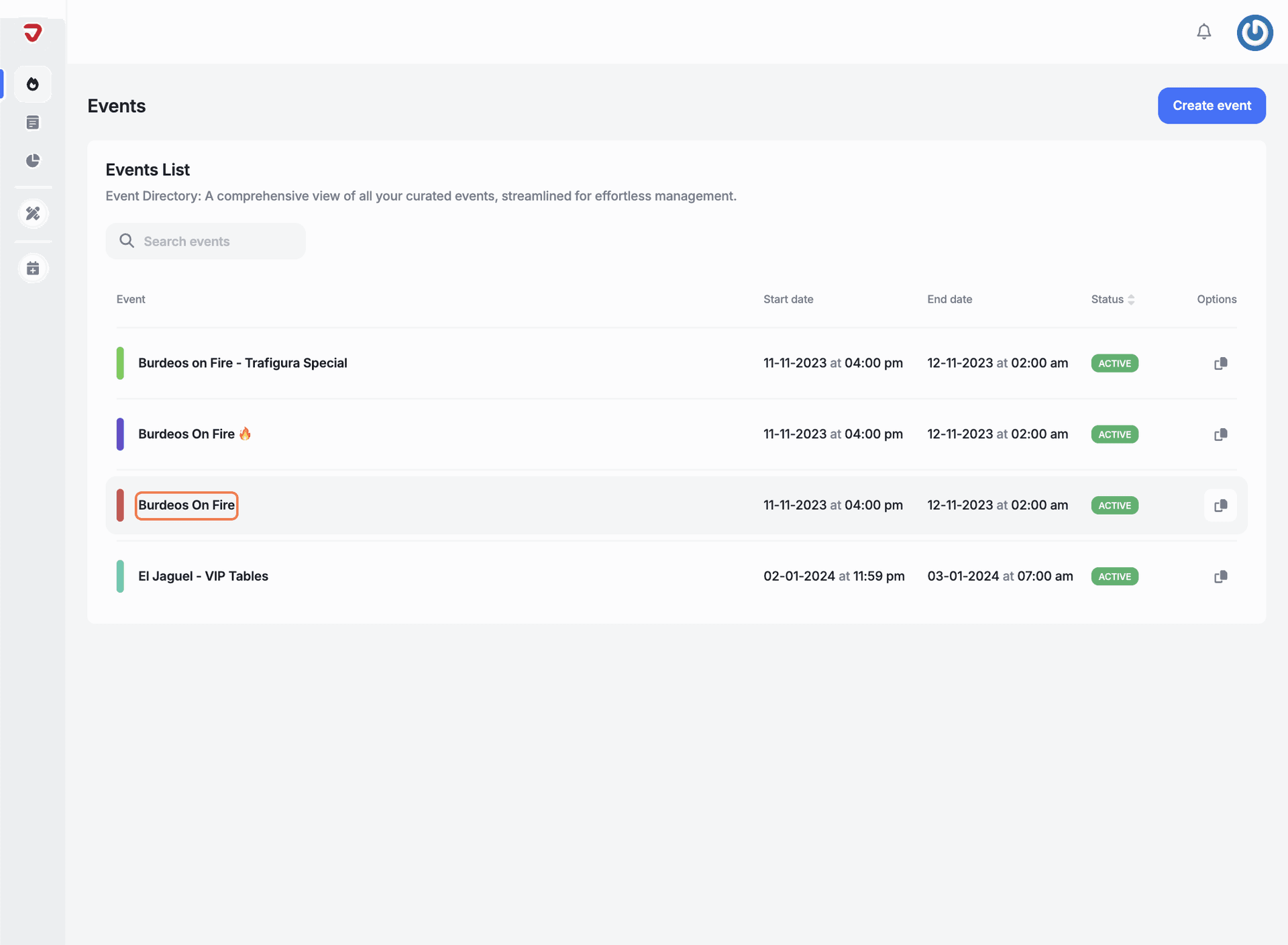
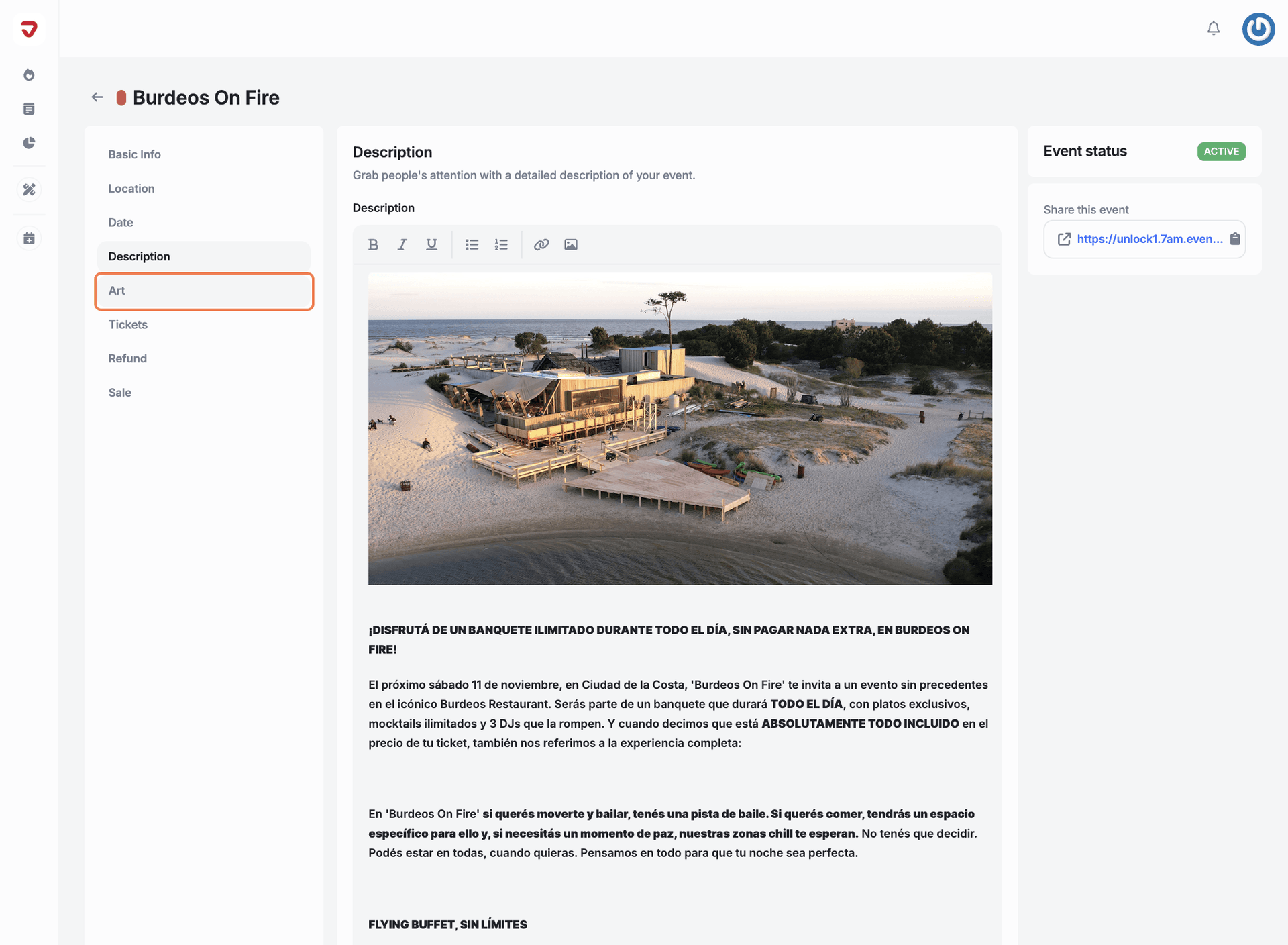
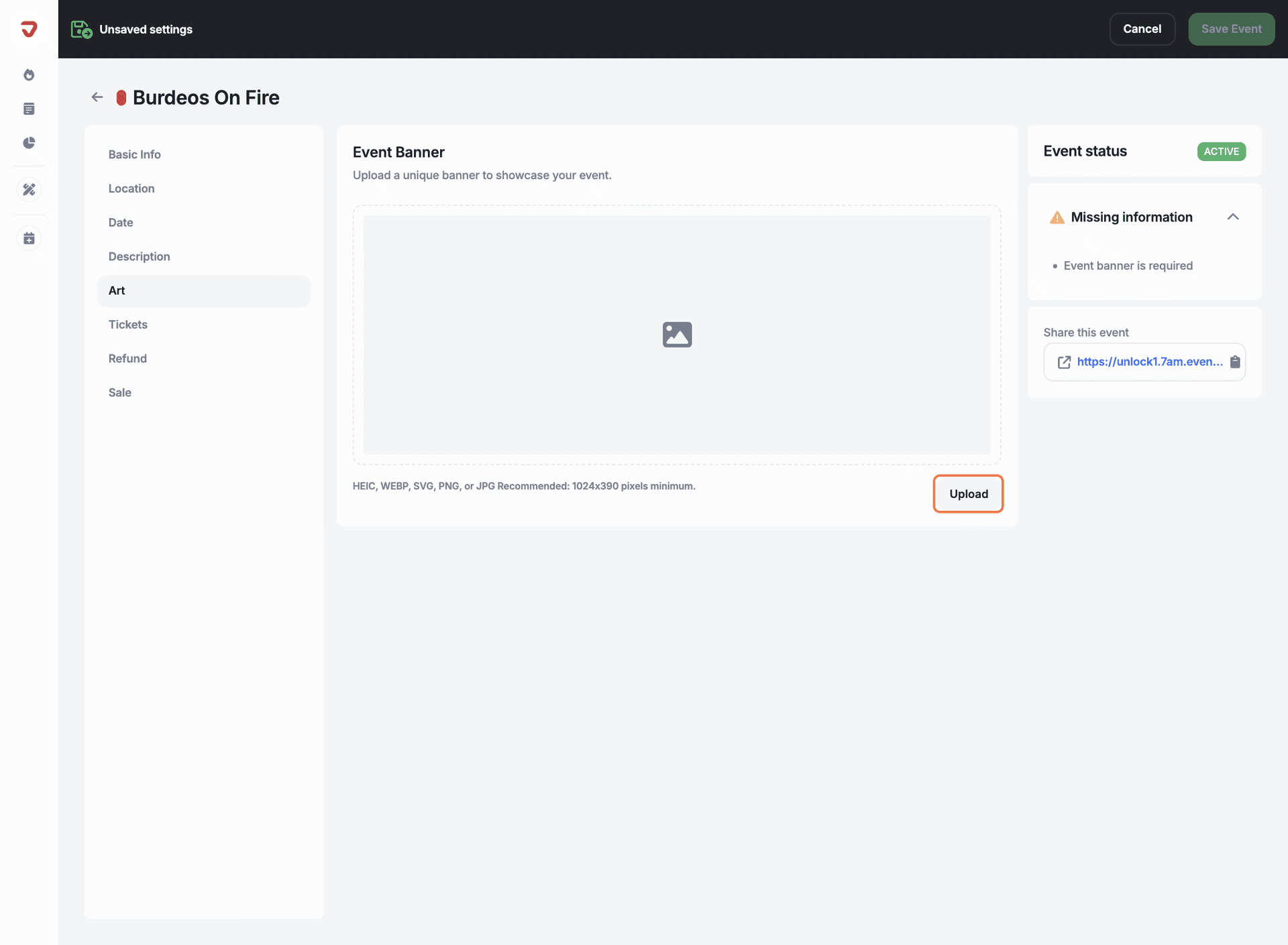
Upload a banner that people see first when they visit your event page. Make sure it captures the vibe and identity of your event to make a strong first impression.
In this article:
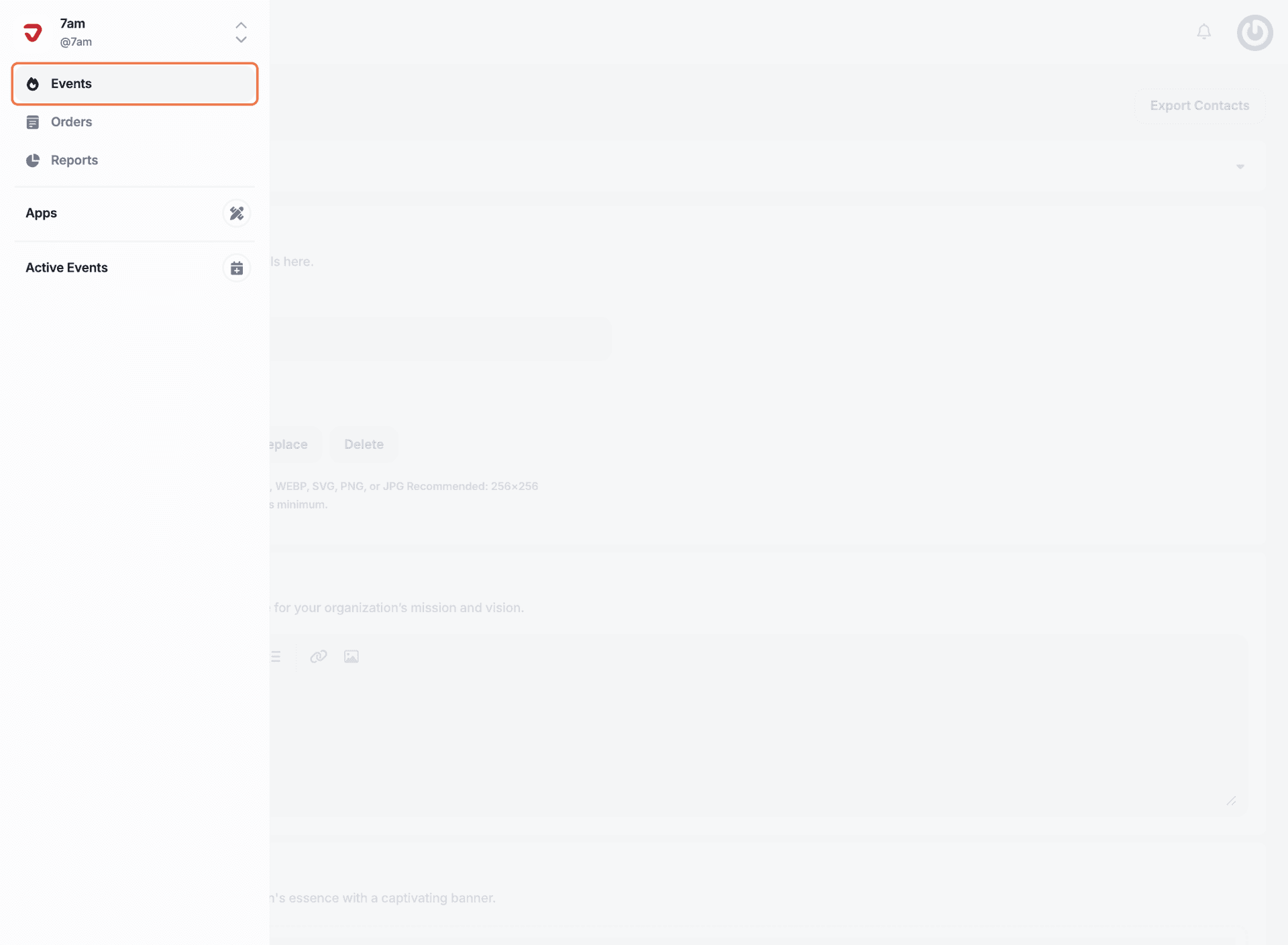
In the sidebar menu, click on 'Events'.
Why is the banner so important for my event?
It’s the first thing people see! A strong banner sets the tone and grabs attention right away.
Explore More
View All